Popupsmart vs Wisepops
WISEPOPS ALTERNATIVE

Wisepops Alternative: Popupsmart

Wisepops and Popupsmart are both built to increase on-site conversions through targeted popups, banners, and onsite messaging. The difference becomes visible in daily operation: deeper customization, editor responsiveness, pricing predictability, analytics clarity, and how teams scale promotional workflows.

Pricing Model & Scaling Logic

Dimension Wisepops
Billing Metric Pageviews Pageviews
Free Plan ✓ ✓
Free Trial ✓
Upgrade Predictability High Moderate
Entry Barrier Low Medium

Wisepops uses pageview-based plans but users note pricing can feel high for larger websites, especially when running narrowly targeted campaigns. Popupsmart's pageview-based pricing is designed for predictable scaling without sudden jumps in cost or feature access, helping small and mid-sized teams forecast more accurately.

User Experience & Interface Feedback

Wisepops — User Voice

★★★★☆ 4/5

"The editor lacks flexibility and some design themes feel outdated. More modern and varied templates would be helpful."

Popupsmart solves this with a modern template library and a more flexible visual editor that simplifies custom design work.

★★★☆☆ 3.5/5

"While the tool is easy to use, slow loading times and delayed A/B test updates can make optimization frustrating."

Popupsmart addresses this by offering faster preview and analytics updates, plus built-in real-time A/B testing to accelerate iteration.

★★★☆☆ 3.5/5

"Some integrations and email syncs can be tricky to configure, especially when tracking deeper engagement flows."

Popupsmart provides broad native integrations and webhook support to reduce setup complexity and improve synchronization consistency.

Popupsmart — User Voice

★★★★☆ 4.5/5

"Popupsmart Makes Lead Generation Simple and Smart"

"Popupsmart's new AI popup builder makes it quick to create high-converting popups without design work. The gamified popups like spin to win add more engagement. Built-in A/B testing and analytics make optimization easy."

★★★★☆ 4.5/5

"Effortlessly Captures Leads"

"Setup is simple and not confusing. Installation is easy. Free visitor tracking for the first 5,000 views is helpful."

★★★★★ 5/5

"Real-Time Visitor Insights and Cost-Effective Lead Capture"

"Offers a free plan with essential features, making it cost-effective."

Strength & Limitation Overview

Popupsmart

Area Strength Limitation
Ease of Setup Low learning curve Advanced custom logic refinement needed
AI Capabilities AI popup builder speeds creation AI design flexibility evolving
Targeting Advanced triggers & segmentation Multi-popup refinement requested
Pricing Predictable pageview-based scaling Pricing transparency could improve
Analytics Built-in A/B testing with fast insights Deep analytics depth requested
Wisepops

Wisepops

Area Strength Limitation
Ease of Use Intuitive interface Limited design flexibility
Templates & Themes Ready-made options Theme variety feels narrow
Targeting Granular audience targeting Advanced personalization can feel complex
Reporting Basic analytics included Slow refresh & depth limitations
Pricing Model Scales with pageviews Can feel expensive at higher usage

Capability Overview

Capability Wisepops
AI Builder ✓
Built-in A/B Testing ✓ ✓
Gamified Popups ✓ ✓
HubSpot Integration ✓ ✓
API / Webhooks ✓ ✓
Free Plan ✓ ✓
Pageview-Based Pricing ✓ ✓
Advanced Workflow Structuring Moderate Moderate

The Structural
Difference

✓

Popupsmart focuses on reducing operational friction across campaign setup and optimization.

✓

Wisepops is known for its intuitive interface, strong targeting flexibility, and broad onsite engagement formats.

Popupsmart

Popupsmart focuses on reducing operational friction across campaign setup and optimization. Its modern visual editor, AI-assisted creation, flexible targeting logic, and fast analytics help teams launch and refine campaigns without external dependencies or slow reporting delays.

Wisepops

Wisepops

Wisepops is known for its intuitive interface, strong targeting flexibility, and broad onsite engagement formats. However, user feedback highlights areas like limited design flexibility, slow loading or A/B update times, and pricing that can feel less predictable for larger audiences.

Compare Popupsmart vs Wisepops

Popupsmart directly addresses key pain points reported by Wisepops users: limited template and design flexibility, delays in analytics refresh, and complex integration setup. Its modern template library, real-time optimization tools, and built-in analytics reduce reliance on external platforms and speed up campaign iteration.

Wisepops delivers a user-friendly experience with strong targeting capabilities and seamless integration for basic workflows. However, users frequently mention editor limitations, slow performance on certain analytics functions, and pricing pressure at higher usage levels. For teams seeking faster campaign creation, deeper customization, and smoother optimization workflows, Popupsmart minimizes these friction points and accelerates both deployment and refinement.

Price
plus icon
Pricing per 100.000 visitors
$57.5
€79
Free Plan
table yes icon
table no icon
Unlimited Popup Campaign
table yes icon
table yes icon
15-Day Money-Back Guarantee
table yes icon
table no icon
Campaigns
plus icon
Announcement Popups
table yes icon
table yes icon
Email Collection Popups
table yes icon
table yes icon
Coupon Popups
table yes icon
table yes icon
Cookie Consent Popups
table yes icon
table no icon
Recommendation Popups
table yes icon
table yes icon
Abandonment Cart Reminder Popups
table yes icon
table yes icon
Phone Call Campaigns
table yes icon
table yes icon
Gamification Popups
table yes icon
table yes icon
Design and Creation
plus icon
5 Minute Popup Campaign Creation
table yes icon
table no icon
+350 Popup Designs
table yes icon
table yes icon
Advanced Form Builder
table yes icon
table yes icon
GDPR Ready
table yes icon
table yes icon
Success Popup Feature
table yes icon
table yes icon
Teaser Popup Feature
table yes icon
table yes icon
Custom CSS
table yes icon
table yes icon
Custom Fonts
table yes icon
table yes icon
Display Effects
table yes icon
table yes icon
Email Notifications
table yes icon
table no icon
Targeting
plus icon
Geo Location Targeting
table yes icon
table yes icon
After X Seconds
table yes icon
table yes icon
On Exit-Intent
table yes icon
table yes icon
On Exit-Intent on mobile
table yes icon
table yes icon
In Activity Sensor
table yes icon
table yes icon
After Scrolling Down
table yes icon
table yes icon
Browsing Spesific Pages
table yes icon
table yes icon
New vs Returning
table yes icon
table yes icon
Traffic Sources (Facebook, Instagram, Adwords)
table yes icon
table yes icon
Cookie Targeting
table yes icon
table no icon
HTML Source Targeting
table yes icon
table yes icon
Campaign Scheduling
table yes icon
table yes icon
Operational System
table yes icon
table yes icon
Browser Language
table yes icon
table yes icon
On-Click Targeting
table yes icon
table yes icon
Popup Frequency Settings
table yes icon
table yes icon
Integration
plus icon
Mailchimp
table yes icon
table yes icon
Mailerlite
table yes icon
table yes icon
Sendgrid
table yes icon
table yes icon
Sendloop
table yes icon
table yes icon
Webhook
table yes icon
table no icon
Sendinblue
table yes icon
table yes icon
Hubspot
table yes icon
table yes icon
Salesforce
table no icon
table yes icon
Zapier
table yes icon
table yes icon
Email Marketing & CRMs (via zapier)
table yes icon
table yes icon
Website Builders & CMSs
table yes icon
table yes icon
eCommerce Platforms
table yes icon
table yes icon
Analytics
plus icon
Live Conversion Analytics
table yes icon
table yes icon
Google Analytics Event Integration
table yes icon
table yes icon
Support & Security and SEO
plus icon
E-Mail Support
table yes icon
table yes icon
Priority Customer Support
table yes icon
table yes icon
Dedicated Success Manager
table yes icon
table yes icon
%99.99 Uptime
table yes icon
table yes icon
GDPR Complaint
table yes icon
table yes icon
SEO and Google Compliance
table yes icon
table yes icon

FAQ

Which tool has more advantages?
plus icon
When we compare the advantages of each tool, Popupsmart has the upper hand in terms of affordability, features, product focus, and ease of use. You get more page views, features, and analytics with Popupsmart for the same price ($32.5) It provides more targeting and design features for your popup campaigns.
Which one offers a free plan?
plus icon
Popupsmart has a forever-free plan that you can start using today. It covers 1 popup, 1 website, and 5,000 page views, which renews monthly. Wisepops doesn’t have a free plan.
Do both Popupsmart and Wisepops have the AI targeting mode?
plus icon
While Popupsmart gives users the option to activate a smart targeting mode that automatically sets up popup triggers, Wisepops doesn’t have such a feature. From this and many aspects, Popupsmart is one of the best Wisepops alternatives that you should try.
Can I create a cookie consent popup easily with both popup builders?
plus icon
Popupsmart comes with various ready-made cookie consent popup templates that will ensure your website’s compliance with GDPR and e-privacy regulations. Wisepops doesn’t have cookie consent templates.
Which popup tool has a more user-friendly and easy-to-understand popup editor?
plus icon
When we put the two popup editors side by side, both popup builders are simple. However, Popupsmart’s editor provides a better UX. It is designed to apply to all users. In contrast, Wisepops’s popup editor is a bit more complex and difficult to get used to.
Which one has more audience targeting and display options?
plus icon
Definitely Popupsmart. With it, you can target users at the page level, on exit intent, scroll-based, from a traffic source, based on cookies, HTML elements, and more.
Can I create checkbox inputs with both Popupsmart and Wisepops?
plus icon
Popupsmart allows you to add different form elements to your popups, such as checkbox inputs, radio inputs, drop-down menus, and more. Unlike Popupsmart, Wisepops comes only with standard form fields. There are no checkbox inputs on Wisepops.
Do both Popupsmart and Wisepops have gamification popups?
plus icon
Only Popupsmart has gamification popups available among the two. You can use these popups to make your campaigns more engaging and fun for your customers. This way, your conversions will also skyrocket.
Can I target a specific HTML element with both popup tools?
plus icon
You can select and target a specific HTML element of a page with Popupsmart. This way, your popup will be triggered by that element. For example, by using HTML targeting, you can show your popup to customers that add a specific product to their cart. Wisepops doesn’t provide this advanced feature.
Do they provide in-depth analytics on the whole conversion funnel?
plus icon
Yes, both popup builder software comes with in-depth analytics of your conversion funnel. However, while Popupsmart offers analytics for all paid-price plans starting from $32.5, you need to spend at least $99 a month on Wisepops to get it.

Wisepops Alternative Popup Builder Tools

optinmonster comparision

Popupsmart vs Optinmonster

Sleeknote Alternative: Popupsmart

Popupsmart vs Sleeknote

Popupsmart vs Optimonk

Popupsmart vs Optimonk

Popupsmart vs Adoric

Popupsmart vs Adoric

Popupsmart vs Mailmunch

Popupsmart vs Mailmunch

Popupsmart vs Poptin

Popupsmart vs Poptin

Popupsmart vs Hello bar

Popupsmart vs Hello Bar

Popupsmart vs Privy

Popupsmart vs Privy

Popupsmart vs Sumo

Popupsmart vs Bdow

Popupsmart vs Wisepops

Popupsmart vs Wisepops

5 Best Wisepops Alternatives in 2026

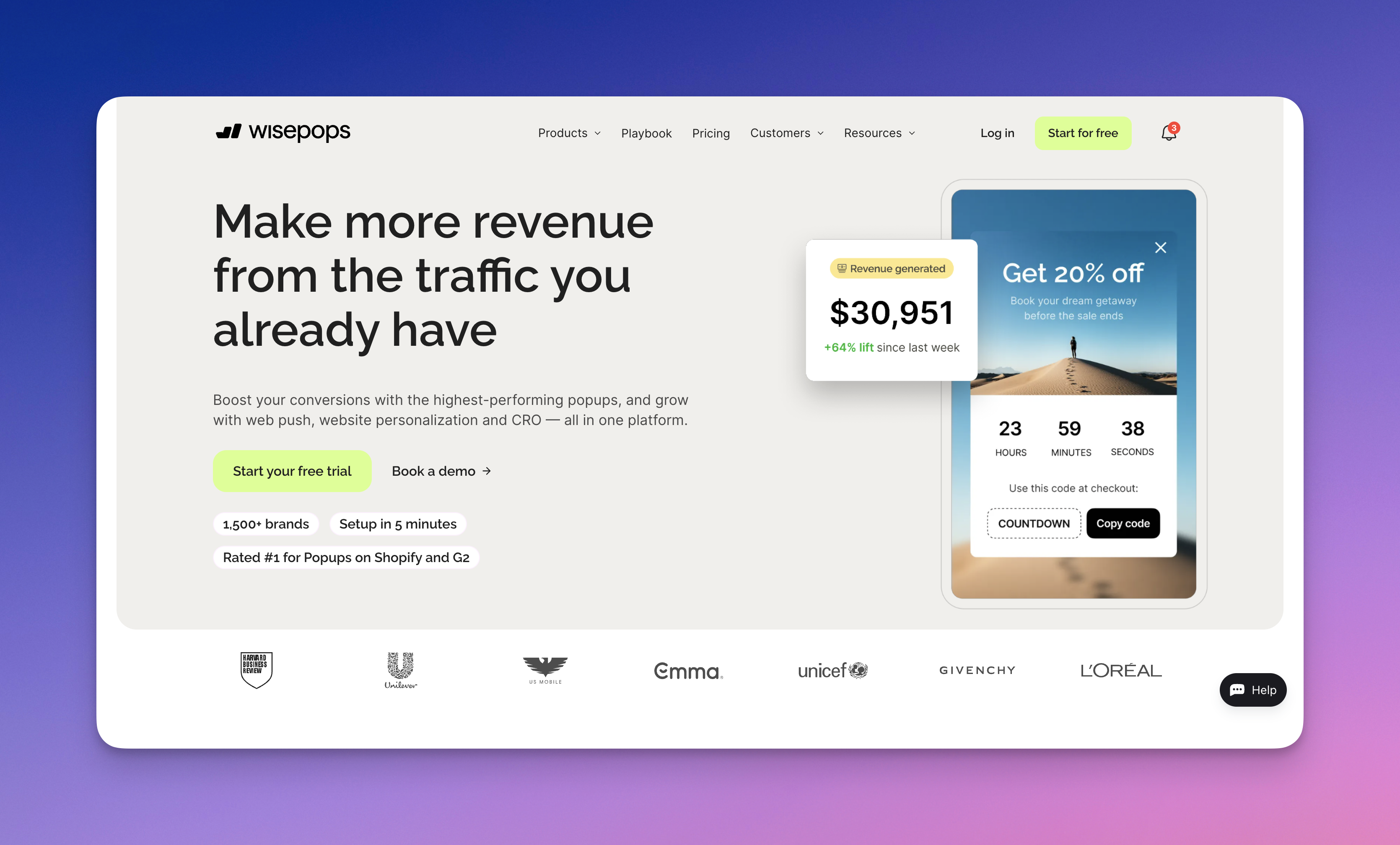
Wisepops's website page

Wisepops is a popular popup and onsite messaging platform used by marketing teams to capture leads, promote offers, and increase conversions. However, some businesses start exploring alternatives when they need different targeting capabilities, simpler campaign setup, or tools that better fit their marketing stack.

Today, platforms like Popupsmart, OptinMonster, Privy, Sumo, and Hello Bar offer different approaches to onsite lead generation and conversion optimization. Below, we review five Wisepops alternatives in 2026, comparing their key features, pricing, and potential limitations so you can choose the popup builder that best fits your website.

We’ve been working with popup builders for more than six years and have tested many of these tools across real marketing campaigns. The list below reflects our hands-on experience with popup campaigns and conversion optimization.

1. Popupsmart
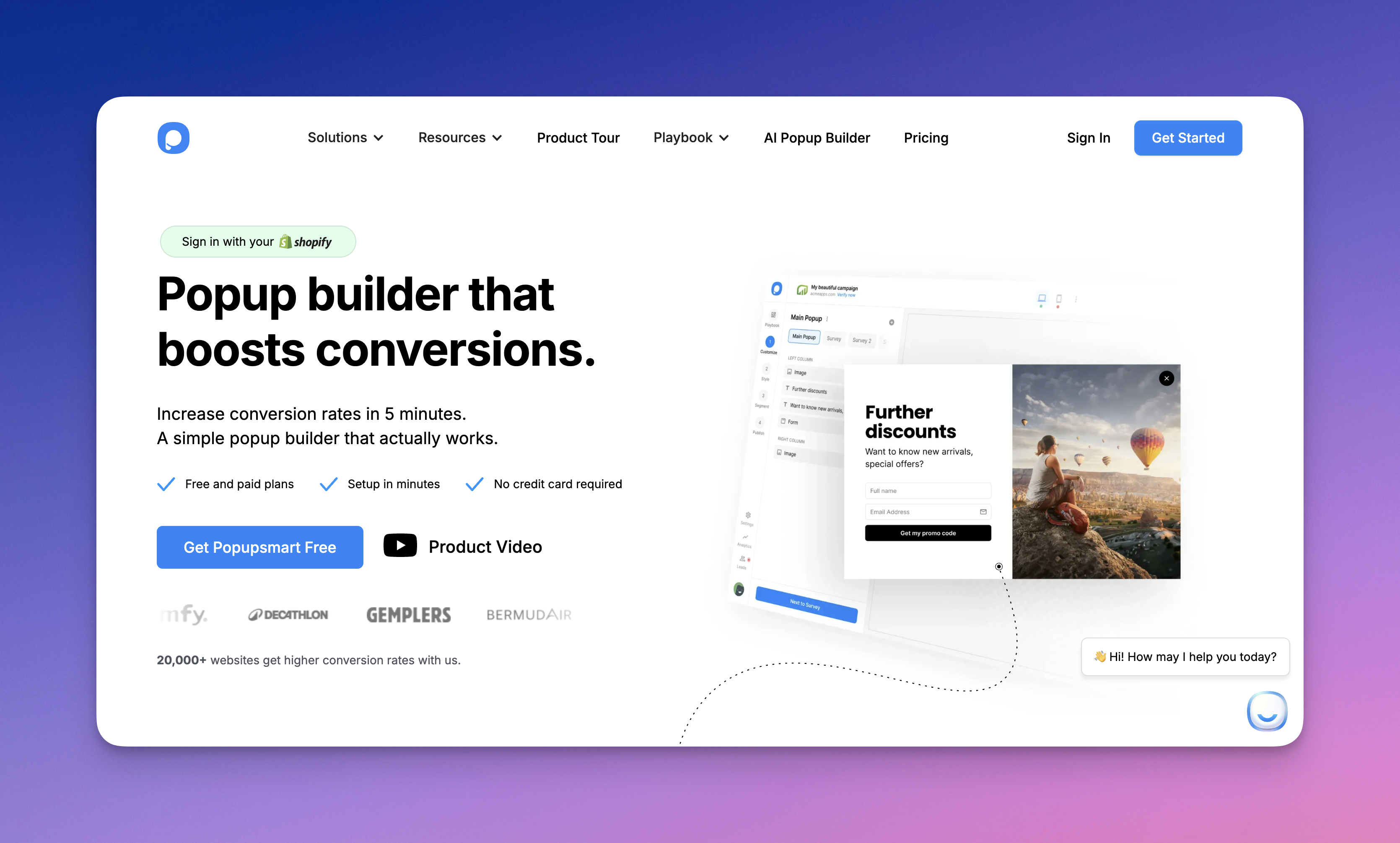
Popupsmart's website page.

Popupsmart is one of the most practical Wisepops alternatives for businesses looking for a modern popup builder with strong targeting and easy setup. It helps marketing teams launch conversion campaigns quickly without relying on developers.

Some of the features of Popupsmart:

• Exit-intent popups, floating bars, slide-ins, and embedded forms
• Advanced audience targeting based on behavior, device, traffic source, and location
• Drag-and-drop popup builder with customizable templates
• A/B testing and performance analytics
• Integrations with email marketing tools, CRM platforms, and e-commerce systems

Price: Popupsmart offers a free plan for small websites and startups. Paid plans start at an accessible price point compared to many popup platforms, making it a cost-efficient option for growing businesses.

Compared with Wisepops, Popupsmart focuses more on speed and simplicity when launching campaigns. Many teams prefer it when they want to create targeted popups quickly without navigating complex campaign setups while still maintaining strong targeting options.

2. OptinMonster
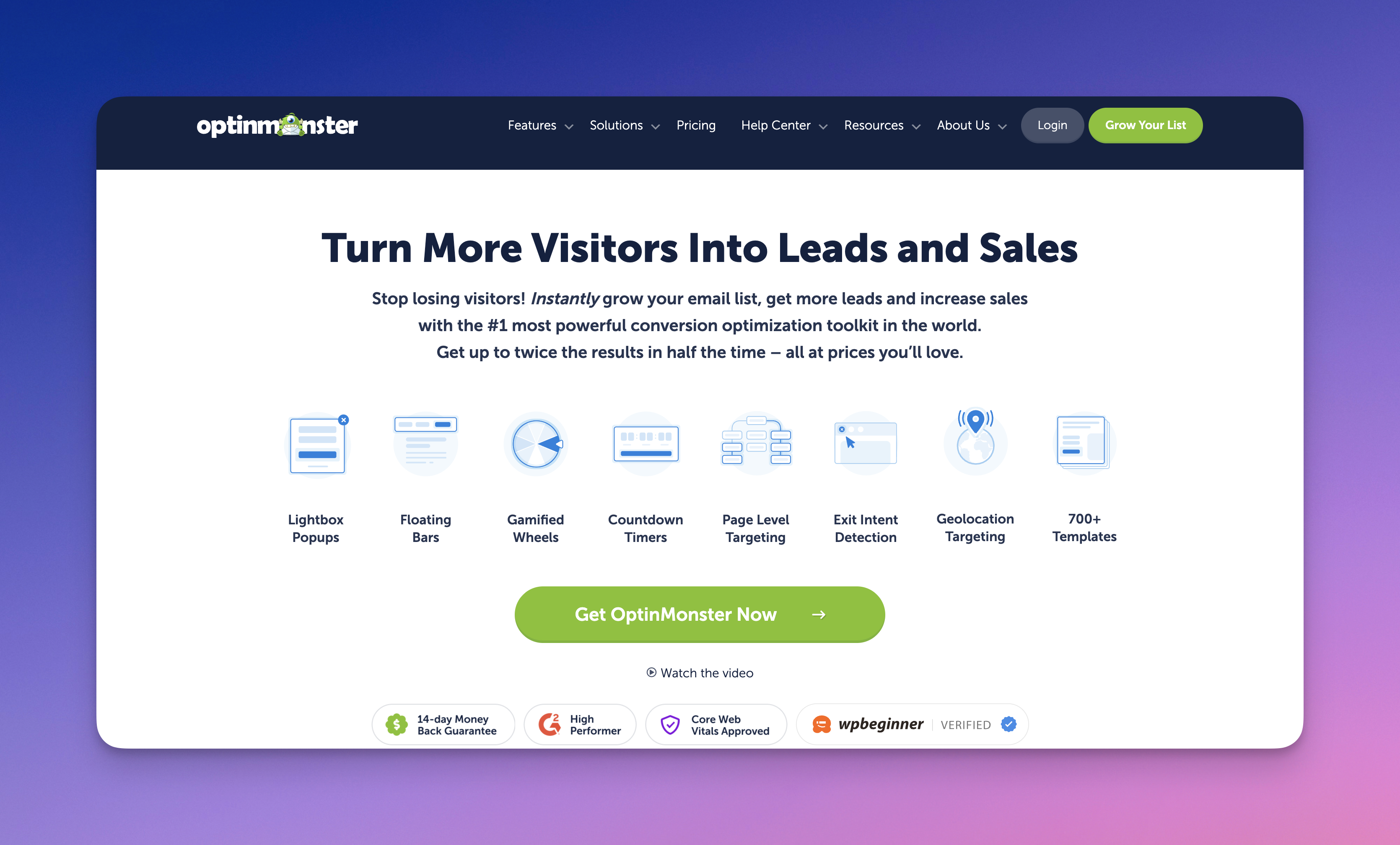
OptinMonster's website page

OptinMonster is one of the most widely used popup builders for lead generation and conversion optimization.

Below are the primary features of OptinMonster:

• Exit-intent popups and scroll-based triggers
• Drag-and-drop campaign builder
• Advanced targeting and segmentation rules
• A/B testing and analytics
• Integrations with major email marketing platforms

Price: OptinMonster offers several pricing tiers depending on traffic and feature requirements.

Compared with Wisepops, OptinMonster provides a mature feature set with strong targeting capabilities and campaign flexibility. Businesses comparing Wisepops alternatives often evaluate OptinMonster alongside Popupsmart when they need more advanced segmentation and automation options.

3.  Privy
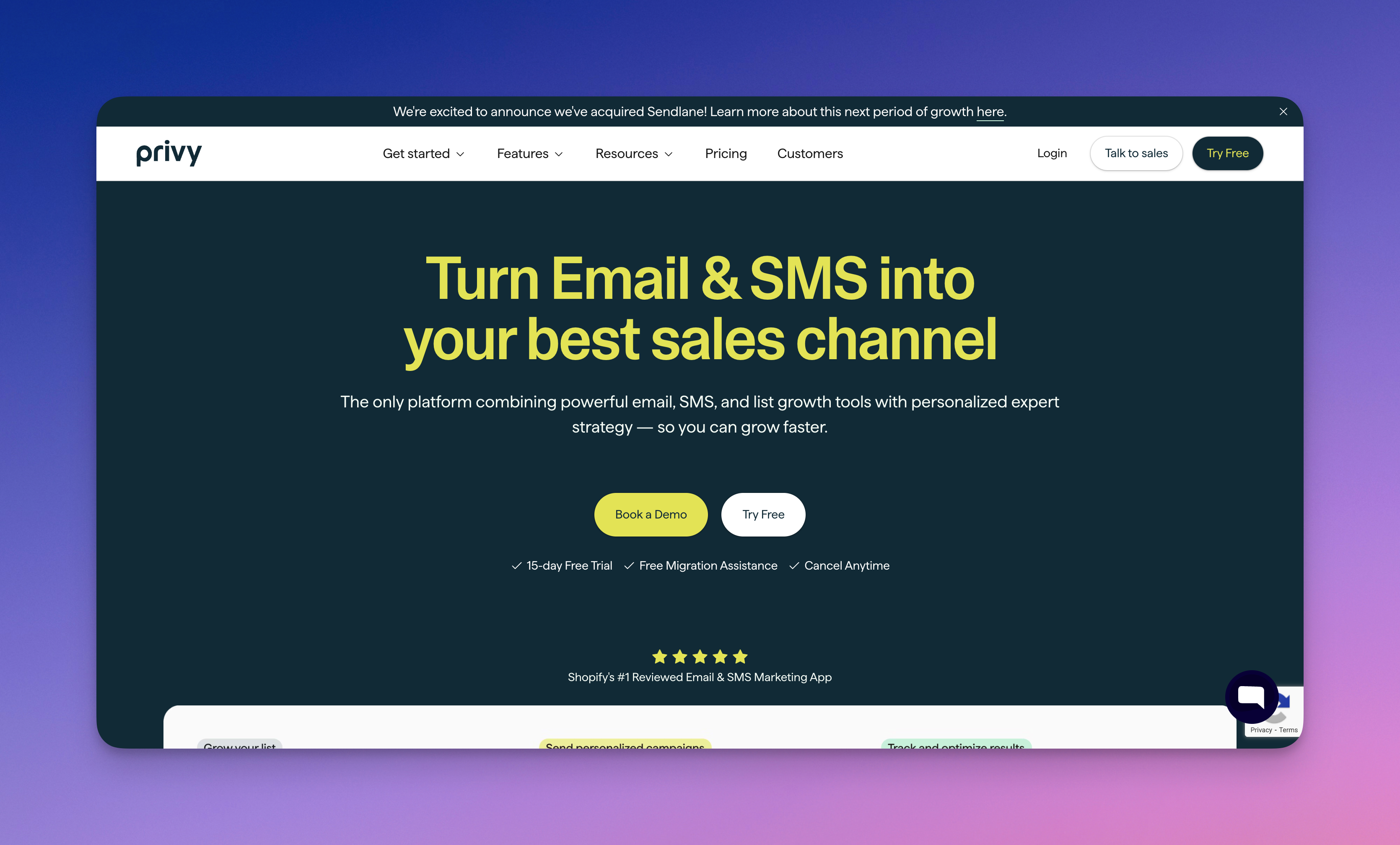
Privy's website page

Privy is a marketing platform designed primarily for e-commerce businesses that want to grow their email lists and increase sales through popups and email campaigns.

Below are the primary features of Privy:

• Email capture popups and announcement bars
• Exit-intent and cart-based triggers
• Drag-and-drop campaign builder
• Email marketing automation tools
• Integrations with Shopify and other e-commerce platforms

Price: Privy offers a free plan with limited features and paid plans that scale depending on the number of contacts and email campaigns.

Compared with Wisepops, Privy focuses heavily on e-commerce marketing workflows such as email automation and cart recovery campaigns. Many Shopify store owners evaluate Privy alongside Popupsmart when looking for Wisepops alternatives.

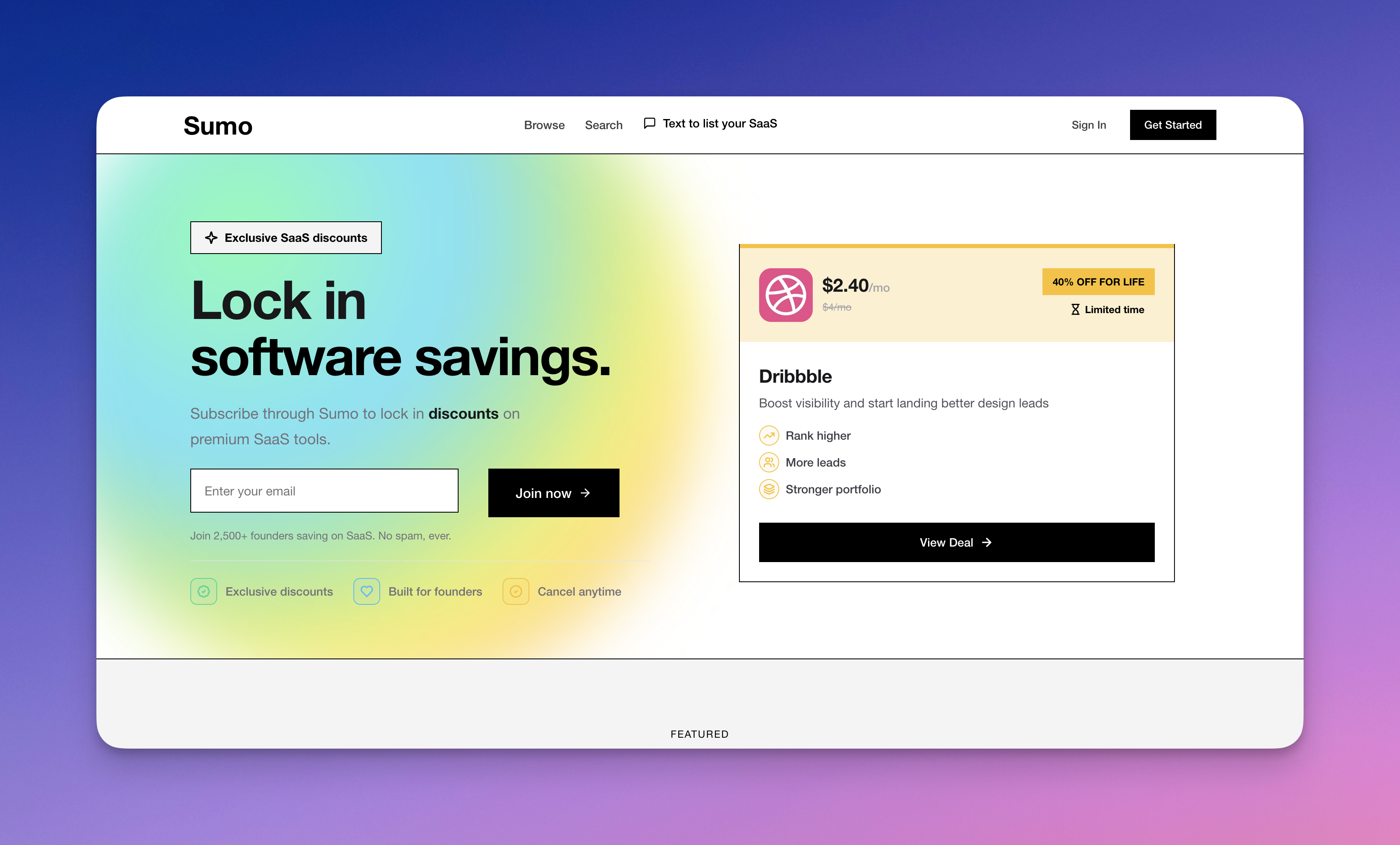
4. Sumo
Sumo's website page

Sumo is a conversion optimization tool designed to help websites grow their email lists and increase engagement through popups, forms, and onsite messages.

Some of the features of Sumo include:

• Email capture popups and opt-in forms
• Scroll-trigger and exit-intent targeting
• Drag-and-drop popup builder
• Basic analytics and reporting
• Integrations with email marketing platforms

Price: Sumo offers a free plan with limited features, while paid plans unlock additional campaign options and integrations.

Compared with Wisepops, Sumo focuses on simpler popup campaigns and basic lead capture functionality. Businesses comparing Wisepops alternatives often consider Sumo alongside tools like Popupsmart and OptinMonster when they want a straightforward solution for email list growth.

5. Hello Bar
Hello Bar's website image


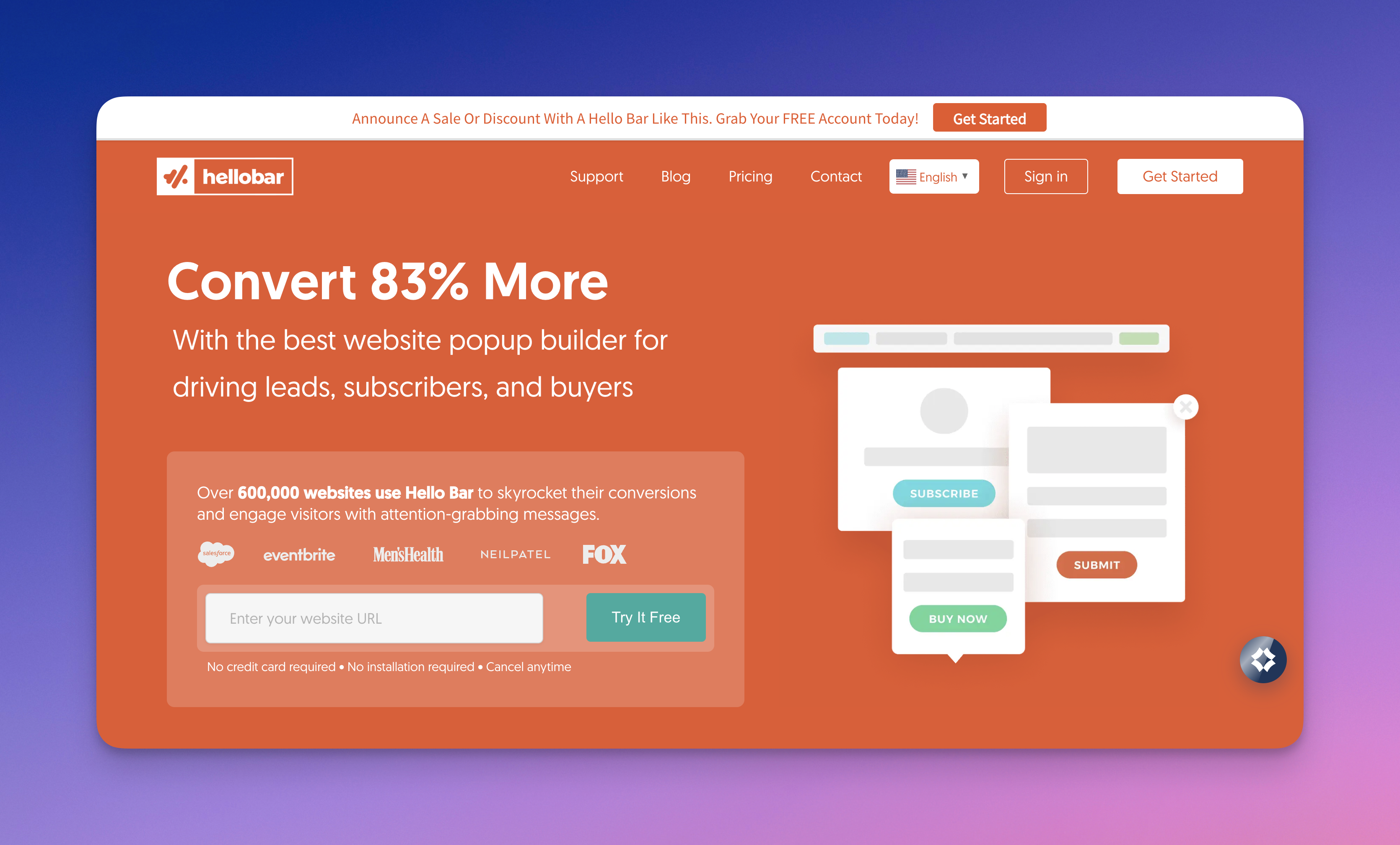
Hello Bar is a conversion tool that helps websites capture leads and drive engagement through bars, popups, and simple onsite messaging.

Below are the primary features of Hello Bar:

• Top bars, sliders, modals, and page overlays
• Drag-and-drop campaign builder
• Basic targeting and trigger options
• Email capture forms and call-to-action buttons
• Integrations with email marketing platforms

Price: Hello Bar offers a free plan with limited features, while paid plans unlock additional targeting options and campaign capabilities.

Compared with Wisepops, Hello Bar focuses on simple messaging elements such as bars and overlays rather than complex popup campaigns. Businesses evaluating Wisepops alternatives often consider Hello Bar alongside Popupsmart and Sumo when they want an easy-to-use solution for lead capture.