
Popupsmart vs Optimonk
POPUPSMART VS OPTIMONK

OptiMonk Alternative: Popupsmart

OptiMonk and Popupsmart are both built to increase on-site conversions through targeted popups and campaign logic. The difference becomes visible in daily operation: customization flow, targeting control, integration depth, and overall workflow simplicity.

Pricing Model & Scaling Logic

Dimension OptiMonk
Billing Metric Pageviews Pageviews
Free Plan ✓ ✓ (limited)
Free Trial ✓
Upgrade Predictability High Moderate
Entry Barrier Low Medium

Both tools operate on pageview-based pricing. However, users mention that managing highly specific targeting while conserving pageviews can increase setup complexity.

User Experience & Interface Feedback

OptiMonk — User Voice

★★★★☆ 4/5

"The templates make it very easy to create campaigns quickly. Campaign creation is simple at first."

"However, changing colors and fonts can be tricky, and sometimes it's hard to find the right place to adjust styling settings."

Popupsmart solves this with centralized design controls and a streamlined visual editor that makes style adjustments more intuitive.

★★★★★ 5/5

"While it works, it doesn't always integrate as smoothly as we hoped."

"Integration with Emarsys is less than expected. We expected deeper connection and flexibility."

Popupsmart addresses this by offering broad native integrations along with API and webhook support to ensure deeper marketing stack compatibility.

★★★★☆ 4/5

"I found it too complicated at first."

"It's powerful and logically structured, but when targeting only specific pages, the setup can get difficult."

Popupsmart reduces this friction with a simplified targeting interface that allows granular page rules without increasing configuration layers.

Popupsmart — User Voice

★★★★☆ 4.5/5

"Popupsmart Makes Lead Generation Simple and Smart"

"Popupsmart's new AI popup builder makes it quick to create high-converting popups without design work. The gamified popups like spin to win add more engagement. Built-in A/B testing and analytics make optimization easy."

"Could improve by offering more design means, better analytics, more ready made templates, built in email automation, and clearer pricing plans."

★★★★☆ 4.5/5

"Effortlessly Captures Leads"

"Setup is simple and not confusing. Installation is easy. Free visitor tracking for the first 5,000 views is helpful."

★★★★★ 5/5

"Real-Time Visitor Insights and Cost-Effective Lead Capture"

"Offers a free plan with essential features, making it cost-effective."

Strength & Limitation Overview

Popupsmart

Area Strength Limitation
Ease of Setup Quick implementation, low learning curve Advanced custom logic requires manual refinement
AI Capabilities AI popup builder accelerates creation AI design flexibility still evolving
Targeting Advanced triggers and segmentation Multi-popup refinement requested
Pricing Free plan available Pricing transparency could improve
Analytics Built-in A/B testing Advanced reporting depth requested
OptiMonk

OptiMonk

Area Strength Limitation
Campaign Creation Template-driven and flexible Styling controls can require deeper navigation
Targeting Logic Highly configurable display rules Page-specific targeting can increase setup complexity
Integrations Supports major marketing tools Integration depth varies by ecosystem
Pricing Model Pageview-based scaling Pageview management may complicate optimization
Workflow Logically structured Learning curve for advanced setups

Capability Overview

Capability OptiMonk
AI Builder ✓
Built-in A/B Testing ✓ ✓
Gamified Popups ✓ ✓
HubSpot Integration ✓ ✓
API / Webhooks ✓ ✓
Free Plan ✓ ✓
Pageview-Based Pricing ✓ ✓
Advanced Workflow Structuring Moderate High

The Structural
Difference

While both tools share feature parity on many technical fronts, the structural philosophy behind their interfaces caters to different operational needs.

✓

Popupsmart focuses on speed and operational clarity.

✓

OptiMonk emphasizes campaign flexibility and granular display rules.

Popupsmart

Popupsmart focuses on speed and operational clarity. Its AI-supported builder, simplified targeting controls, and centralized visual editing allow teams to launch and optimize campaigns without increasing backend complexity.

OptiMonk

OptiMonk

OptiMonk emphasizes campaign flexibility and granular display rules. While it enables detailed configurations, styling adjustments and page-specific targeting setups can introduce additional steps during implementation.

Compare Popupsmart vs OptiMonk

Popupsmart directly addresses areas where OptiMonk users report friction. It simplifies design adjustments through centralized styling controls, reduces complexity in page-level targeting, and supports broader marketing stack compatibility with native integrations and webhook access. Built-in analytics, AI-assisted creation, and a free plan further lower the operational barrier.

OptiMonk provides flexible campaign structuring and template-driven setup, but styling controls may require deeper navigation, highly specific targeting can complicate configuration, and integration depth can vary depending on the marketing ecosystem.

Price
plus icon
Pricing per 100.000 Page Views
$57.5
$82.5
Minimum Plan
table yes icon
table yes icon
Free Plan
table yes icon
table yes icon
No Badge Ads on Free Plan
table no icon
table no icon
Unlimited Popup Campaign
table yes icon
table yes icon
15-Day Money-Back Guarantee
table yes icon
table yes icon
Campaigns
plus icon
Announcement Popups
table yes icon
table yes icon
Email Collection Popups
table yes icon
table yes icon
Coupon Popups
table yes icon
table no icon
Cookie Consent Popups
table yes icon
table no icon
Recommendation Popups
table yes icon
table yes icon
Abandonment Cart Reminder Popups
table yes icon
table yes icon
Phone Call Campaigns
table yes icon
table no icon
Gamification Popups
table yes icon
table yes icon
Design and Creation
plus icon
5 Minute Popup Campaign Creation
table yes icon
table no icon
+350 Popup Designs
table yes icon
table no icon
Advanced Form Builder
table yes icon
table no icon
GDPR Ready
table yes icon
table yes icon
Success Popup Feature
table yes icon
table yes icon
Teaser Popup Feature
table yes icon
table yes icon
Custom CSS
table yes icon
table no icon
Custom Fonts
table yes icon
table yes icon
Display Effects
table yes icon
table yes icon
Email Notifications
table yes icon
table no icon
Targeting
plus icon
Geo Location Targeting
table yes icon
table yes icon
After X Seconds
table yes icon
table yes icon
On Exit-Intent
table yes icon
table no icon
On Exit-Intent on mobile
table yes icon
table no icon
In Activity Sensor
table yes icon
table no icon
After Scrolling Down
table yes icon
table yes icon
Browsing Spesific Pages
table yes icon
table yes icon
New vs Returning
table yes icon
table yes icon
Traffic Sources (Facebook, Instagram, Adwords)
table yes icon
table no icon
Cookie Targeting
table yes icon
table no icon
HTML Source Targeting
table yes icon
table no icon
Campaign Scheduling
table yes icon
table yes icon
Operational System
table yes icon
table no icon
Browser Language
table yes icon
table yes icon
On-Click Targeting
table yes icon
table yes icon
Popup Frequency Settings
table yes icon
table yes icon
Integration
plus icon
Mailchimp
table yes icon
table yes icon
Mailerlite
table yes icon
table yes icon
Sendgrid
table yes icon
table no icon
Sendloop
table yes icon
table no icon
Webhook
table yes icon
table no icon
Sendinblue
table yes icon
table no icon
Hubspot
table yes icon
table yes icon
Zapier
table yes icon
table no icon
Email Marketing & CRMs (via zapier)
table yes icon
table yes icon
Website Builders & CMSs
table yes icon
table yes icon
eCommerce Platforms
table yes icon
table yes icon
Analytics
plus icon
Live Conversion Analytics
table yes icon
table yes icon
Google Analytics Event Integration
table yes icon
table no icon
Support & Security and SEO
plus icon
E-Mail Support
table yes icon
table yes icon
Priority Customer Support
table yes icon
table yes icon
Dedicated Success Manager
table yes icon
table no icon
%99.99 Uptime
table yes icon
table yes icon
GDPR Complaint
table yes icon
table yes icon
SEO and Google Compliance
table yes icon
table yes icon

FAQ

Which tool provides ease-of-use for any users both expert and inexpert?
plus icon
Popupsmart has a user-friendly interface that makes it easier for any website owner to effortlessly create successful popup campaigns. It is a no-code tool so users do not need to be developers to set up the tool. OptiMonk, on the other hand, provides an efficient use for only experts.
Which popup builder tool is more cost-effective?
plus icon
While Popupsmart charges only $57.5 for 100,000 pageviews, 3 websites, and unlimited popups, Optimonk charges $99 for 100.000 pageviews and max 4 domains. Moreover, Optimonk excludes most of the crucial features. Therefore, Popupsmart is superior in cost-effectiveness.
Is there an unlimited domain feature in both Popupsmart and Optimonk?
plus icon
No. Only Popupsmart has an unlimited domain feature for all priced plans. OptiMonk, on the contrary, has limited domains in all priced plans. OptiMonk’s essential plan has 2 domaisn ($39), its growth plan has max 4 domains ($99), and the premium plan has only 10 domains ($249). Considering these, Popupsmart would be the wiser choice for more features, less cost.
Can I create ad-free popups with both Popupsmart and Optimonk?
plus icon
There are no branded popups in Popupsmart. All of our plans are free of ad texts whereas OptiMonk brands their free, essential, and growth plans. OptiMonk users need to purchase the premium plan ($39) for unbranded popups. Popupsmart offers a popup experience free of ads.
Which one has the faster loading speed on websites?
plus icon
It is crucial to consider the onload speed before purchasing a tool. In that aspect, while Popupsmart’s popups load under 134ms, OptiMonk’s popup loading time is 618ms. This almost 1-second difference can slow down the opening speed of your website. That’s why Popupsmart would be the wiser choice for your website’s performance.
Which one should I prefer to create popups that don’t annoy visitors? (teaser)
plus icon
Both popup builder tools have modern designs, but as a plus, Popupsmart has a teaser popup feature which is one of the most user-friendly popup features. The teaser is shown before the main popup. For example, a visitor can open the main popup if he/she wants to by clicking on the teaser popup. OptiMonk does not have this feature.
Does Popupsmart have the upper hand in targeting options or OptiMonk?
plus icon
Yes, it does! Both tools offer various targeting features, but Popupsmart has some extras. Unlike OptiMonk, Popupsmart includes advanced features like cookie and HTML targeting.With cookie targeting, popups only show to users who are logged in. With HTML targeting, you can show popups based on a specific element in your content. These are great features you wouldn't want to miss!
Which popup builder tool provides more solutions?
plus icon
Popupsmart offers almost double the solutions of OptiMonk, with 12 solutions, including increasing sales, growing email lists, and connecting with visitors. Also, Popupsmart offers business-focused solutions. OptiMonk provides 5 solutions focused on sales, list building, and PPC optimization. Popupsmart's broader range aims to help users quickly and effectively achieve business goals.
What do the free plans of Popupsmart and OptiMonk include?
plus icon
Popupsmart’s free plan includes 5.000 page-views, 1 popup, and 1 website that you can keep forever. OptiMonk’s free plan includes 1 domain, 3.000 page-view, and ad-branded popups. Free plan users of OptiMonk cannot use most of the features.
Which popup builder tool has more integration options?
plus icon
Different than OptiMonk, Popupsmart has more integration options, especially integrations with email marketing services. While OptiMonk does not have integrations with Sendgrid, Sendloop, and Sendinblue, Popupsmart has these and more. Moreover, Popupsmart has an integration option with Zapier which makes even more integrations available.

OptiMonk Alternative Popup Builder Tools

optinmonster comparision

Popupsmart vs Optinmonster

Sleeknote Alternative: Popupsmart

Popupsmart vs Sleeknote

Popupsmart vs Optimonk

Popupsmart vs Optimonk

Popupsmart vs Adoric

Popupsmart vs Adoric

Popupsmart vs Mailmunch

Popupsmart vs Mailmunch

Popupsmart vs Poptin

Popupsmart vs Poptin

Popupsmart vs Hello bar

Popupsmart vs Hello Bar

Popupsmart vs Privy

Popupsmart vs Privy

Popupsmart vs Sumo

Popupsmart vs Bdow

Popupsmart vs Wisepops

Popupsmart vs Wisepops

5 Best OptiMonk Alternatives in 2026

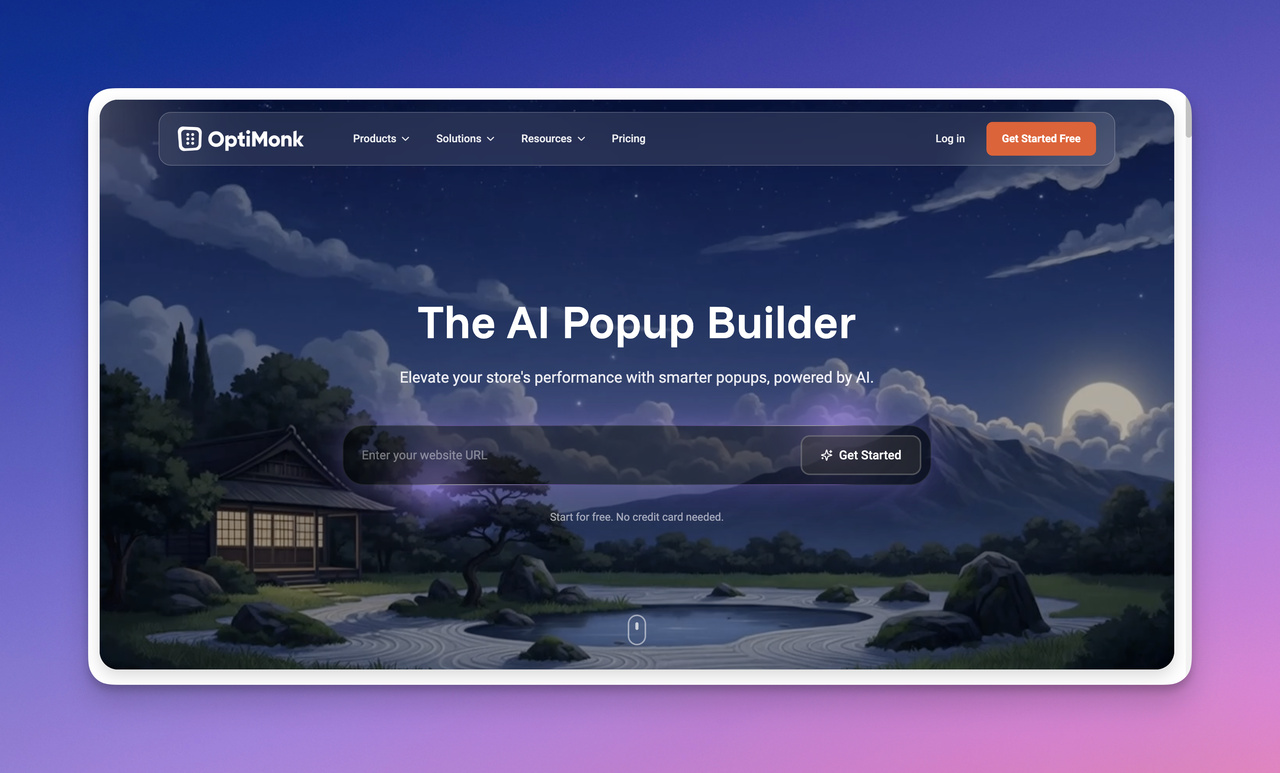
Optimonk's website page

Optimonk is a well-known popup and onsite messaging platform used by marketing teams to capture leads and increase conversions. However, many businesses start looking for alternatives when they want simpler tools, different targeting capabilities, or more flexible pricing as their traffic grows.

Today, tools like Popupsmart, Privy, Sleeknote, OptinMonster, and Thrive Leads offer different approaches to onsite lead capture and conversion optimization. Below, we review five OptiMonk alternatives in 2026, comparing their features, pricing, and potential limitations so you can choose the popup builder that best fits your website.

We’ve been working with popup builders for more than six years and have tested many of these tools across real marketing campaigns. The list below reflects our hands-on experience with popup campaigns and conversion optimization.

1. Popupsmart

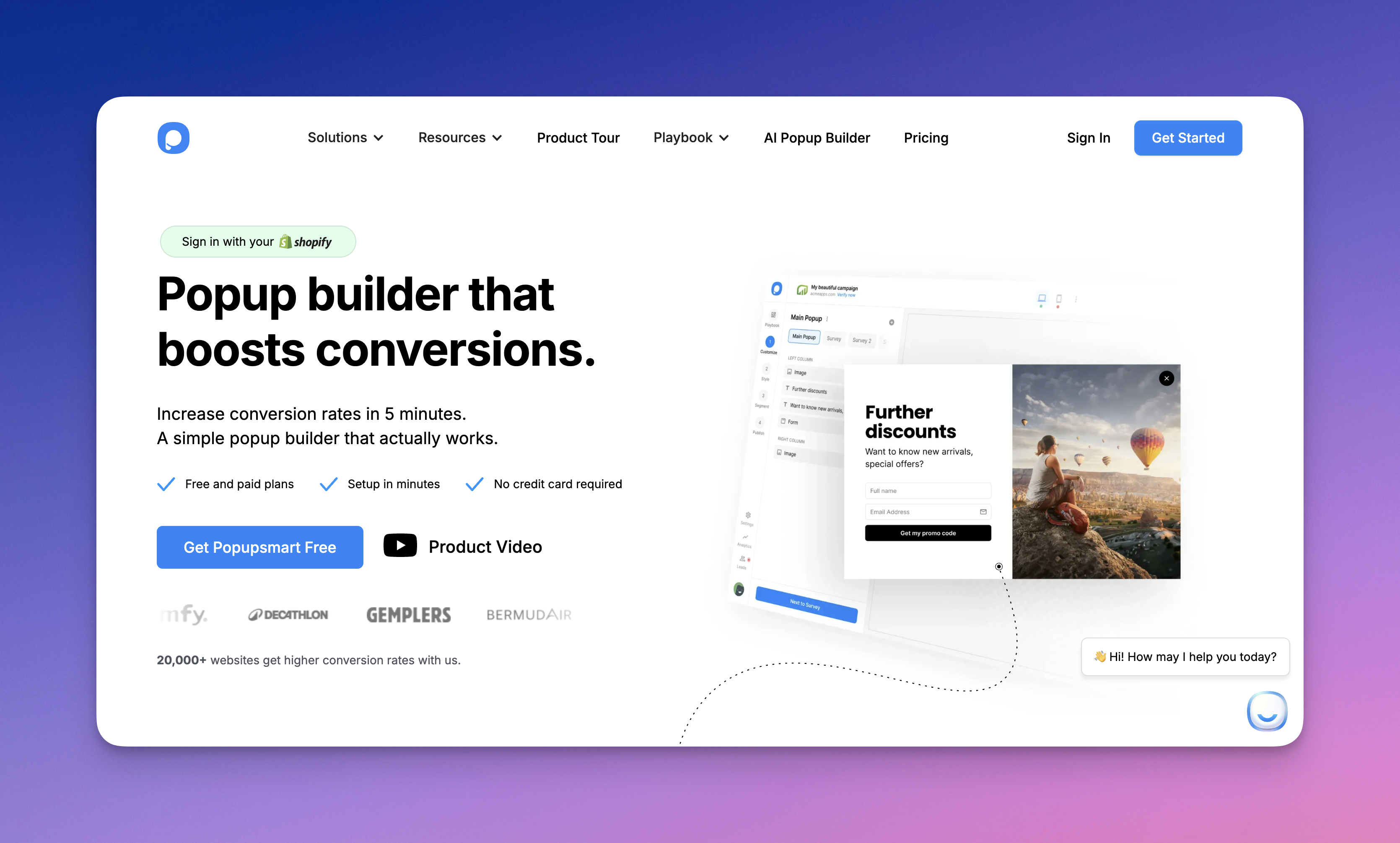
Popupsmart's website page

Popupsmart is one of the most practical OptiMonk alternatives for businesses looking for a modern popup builder with strong targeting and easy setup. It focuses on helping marketing teams launch conversion campaigns quickly without relying on developers.

Some of the features of Popupsmart:

• Exit-intent popups, floating bars, slide-ins, and embedded forms
• Advanced audience targeting based on behavior, device, traffic source, and location
• Drag-and-drop popup builder with customizable templates
• A/B testing and performance analytics
• Integrations with email marketing tools, CRM platforms, and e-commerce systems

Price: Popupsmart offers a free plan for small websites and startups. Paid plans start at a more accessible price point compared to OptiMonk, making it a cost-efficient solution for growing businesses.

Compared with OptiMonk, Popupsmart focuses more on speed and ease of use. Many teams prefer it when they want to launch campaigns quickly without navigating complex campaign setups. Businesses evaluating OptiMonk alternatives often compare Popupsmart with tools like Privy, Sleeknote, and OptinMonster depending on their targeting needs and marketing stack.

2. OptinMonster
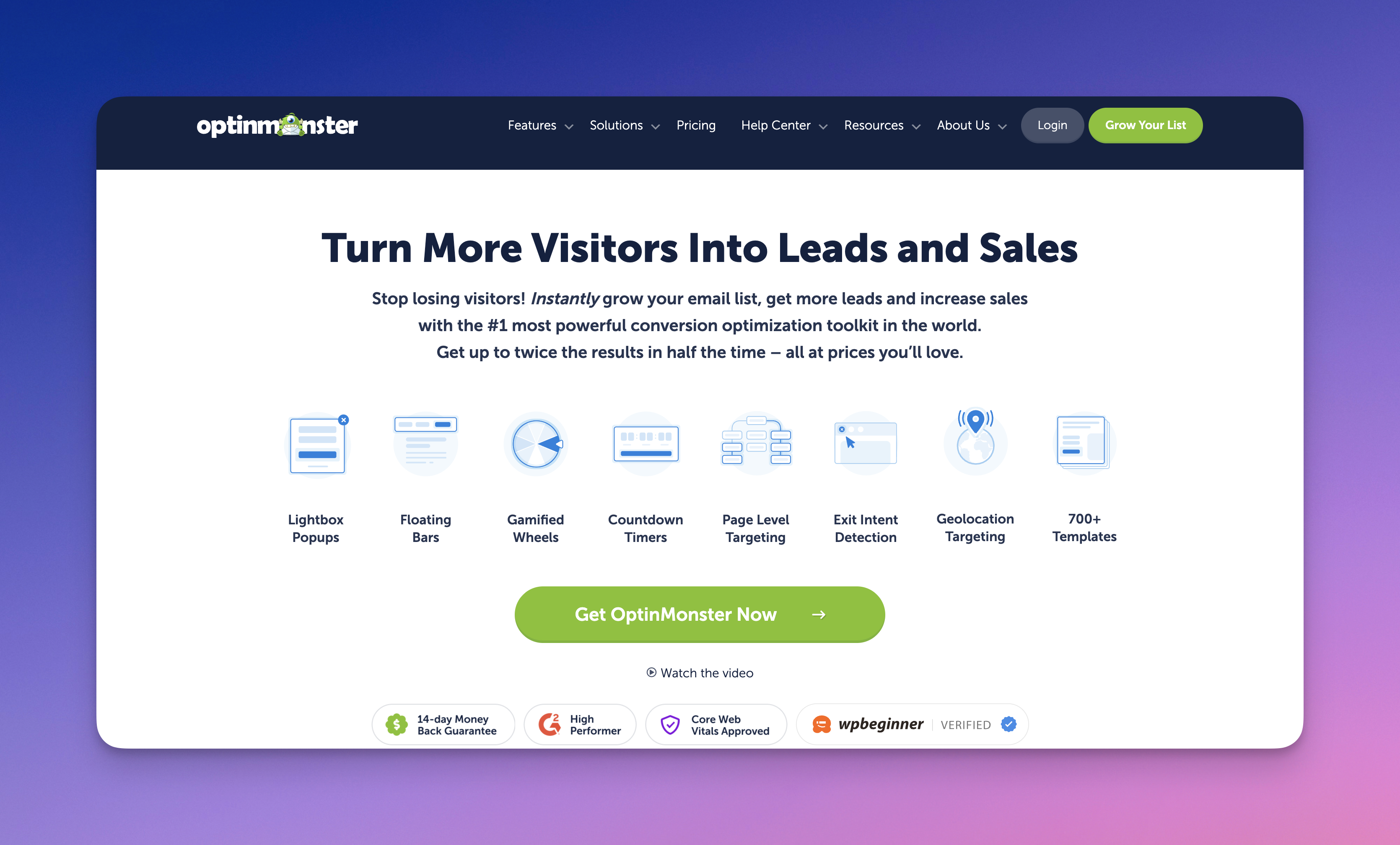
Optinmonster's website page

OptinMonster OptinMonster is one of the most widely used popup builders for lead generation and conversion optimization.

Below are the primary features of OptinMonster:

• Exit-intent popups and scroll-based triggers
• Drag-and-drop campaign builder
• Advanced targeting and segmentation rules
• A/B testing and analytics
• Integrations with major email marketing platforms

Price: OptinMonster offers multiple pricing tiers depending on traffic and feature requirements.

Compared with OptiMonk, OptinMonster provides a very mature feature set with strong targeting capabilities. However, its pricing can increase as traffic grows. Businesses comparing OptiMonk alternatives often evaluate OptinMonster alongside Popupsmart, Sleeknote, and Privy depending on their budget and campaign complexity.

3. Privy
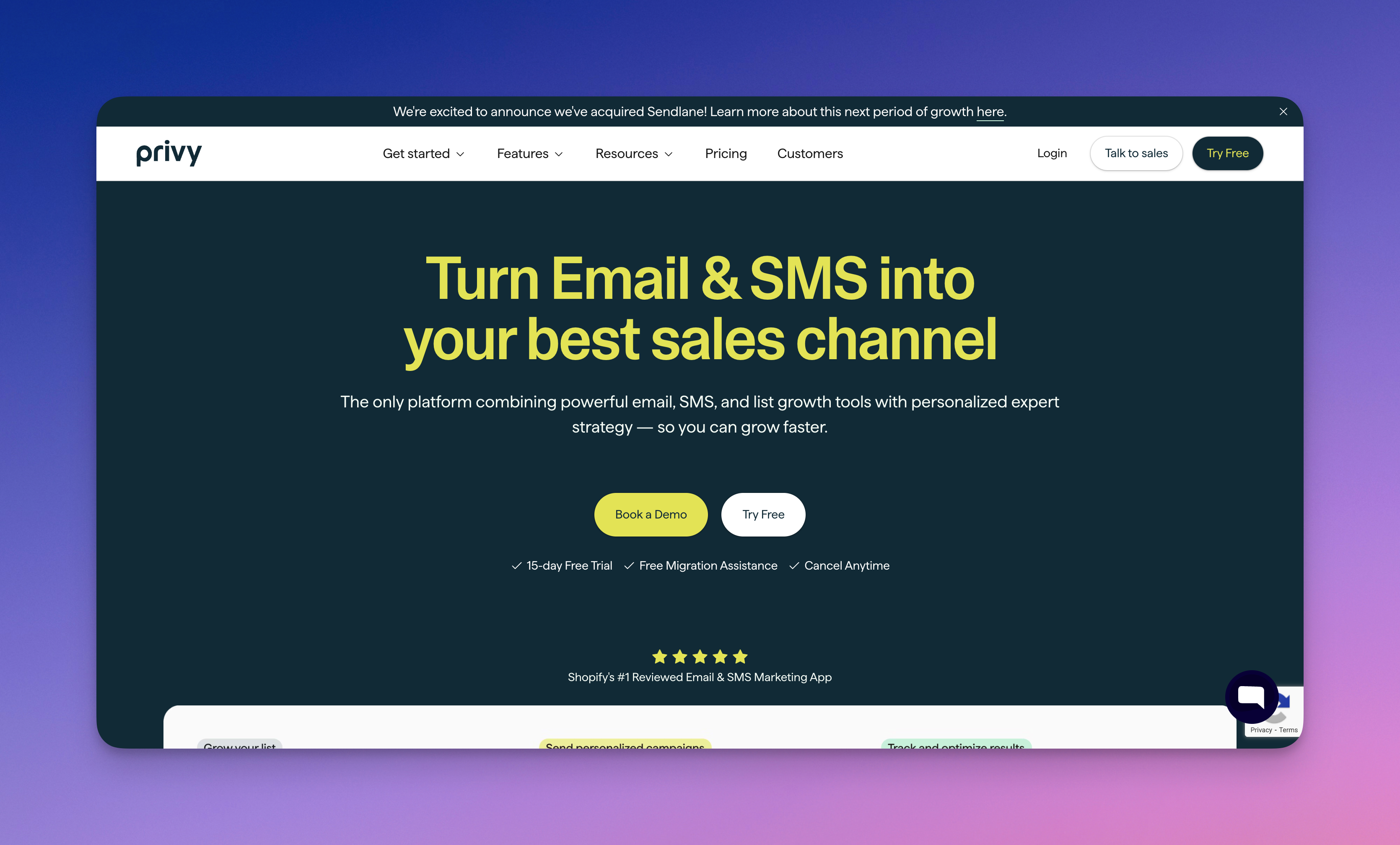
Privy's website page

Privy is a marketing platform designed primarily for e-commerce stores that want to grow their email lists and increase sales through targeted popups and email campaigns.

Below are the primary features of Privy:

• Email capture popups and announcement bars
• Exit-intent and cart-based triggers
• Drag-and-drop campaign builder
• Email marketing automation tools
• Integrations with Shopify and other e-commerce platforms

Price: Privy offers a free plan with limited features and paid plans that scale depending on the number of contacts and email campaigns.

Compared with OptiMonk, Privy focuses heavily on e-commerce marketing features such as cart abandonment campaigns and email automation. Many Shopify store owners consider Privy alongside tools like Popupsmart and Sleeknote when evaluating OptiMonk alternatives.

4. Sleeknote

Sleeknote's website page

Sleeknote is a lead generation platform designed to help businesses create targeted popups and onsite campaigns to capture leads and increase sales.

Some of the features of Sleeknote include:

• Drag-and-drop popup builder
• Multi-step popups and advanced segmentation
• Exit-intent and behavioral targeting triggers
• A/B testing and performance tracking
• Integrations with major email marketing platforms

Price: Sleeknote provides a free trial and paid plans starting at a higher entry price compared to many popup tools.

Compared with OptiMonk, Sleeknote is often preferred by teams that want more control over popup design and targeting rules. However, its pricing can be higher than some newer popup builders. Businesses comparing OptiMonk alternatives frequently evaluate Sleeknote alongside Popupsmart, Privy, and OptinMonster when deciding which platform best fits their needs.

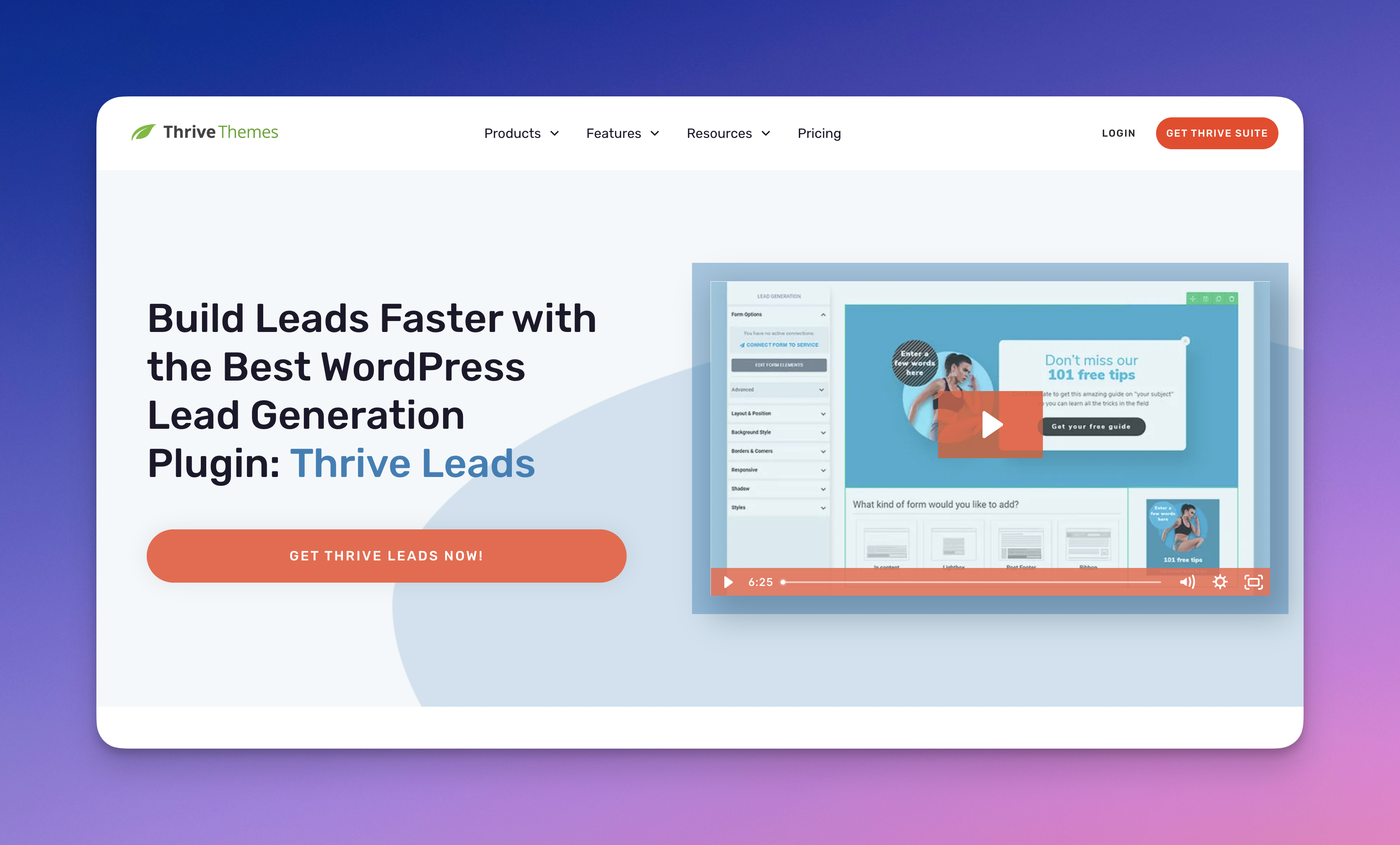
5. Thrive Leads – WordPress Plugin
Thrive Leads's website page

Thrive Leads is a WordPress-focused lead generation plugin designed to help bloggers and website owners grow their email lists using opt-in forms and popup campaigns.

Some of its features are:

• Sticky ribbon bars, lightbox popups, inline forms, and slide-ins
• Content locking for gated content strategies
• A/B testing for opt-in forms
• Advanced triggers such as scroll depth and click triggers
• Detailed conversion analytics

Price: Thrive Leads is included in the Thrive Themes Suite subscription, which gives access to multiple WordPress marketing plugins.

The main limitation of Thrive Leads is that it works exclusively within WordPress environments. Businesses that operate across different platforms often compare OptiMonk alternatives like Popupsmart, Privy, or OptinMonster when they need broader CMS compatibility.